

Well, it’s one of the most common questions I get asked. And if I want to give you a straight answer, I will tell you — yes! You can run multiple Google Ads accounts at the same time. But did you really think it’s that simple?
In the Google Ads world, we are facing a lot of options that might be confusing, risky, and honestly — headache-inducing. It takes a lot of knowledge that isn’t even enough on its own. Because beyond knowledge, you need to experience it. Going with the flow of testing, falling down, getting back up on your knees again. And in this journey, of course, you’re going to waste both cost and time. So it is definitely frustrating.
But frustrating doesn’t mean impossible. In this blog, we are going through everything you need to know about what conditions it takes to run multiple Google Ads accounts at the same time, how agencies do it professionally, and what mistakes you absolutely need to avoid before Google shuts your doors before you even open them.
That’s where Google ads management becomes the deciding factor: running multiple accounts isn’t just “more campaigns,” it’s more billing setups, more policies to comply with, more tracking to keep clean, and more chances to duplicate mistakes at scale. With proper management—usually through a clear MCC structure, consistent naming and reporting, and strict separation of goals, audiences, and assets—you can keep performance stable, avoid account confusion, and grow without triggering unnecessary suspensions or wasting budget.
Table of Contents
First Why Would You Even Need Multiple Accounts?
Before jumping into the how, let’s be real about the why. There are very legitimate reasons why businesses, freelancers, and agencies need to run multiple Google Ads accounts at the same time.
Maybe you’re a marketing agency managing campaigns for 10, 20, or even 50 different clients. Each client is a separate business, a separate brand, a separate budget. You can’t throw them all into one account — that would be a complete disaster of tangled data, mixed audiences, and billing chaos. Every client deserves their own clean space where their data is theirs alone.
Or maybe you’re a business owner running different product lines that serve completely different audiences. Your luxury product and your budget product shouldn’t be competing inside the same account. Their audiences are different, their bidding strategies are different — their entire worlds are different. Mixing them creates confusion in your data and pure inefficiency in your spend.
Or perhaps you’re an e-commerce operator with multiple storefronts across different regions. Each market behaves differently, needs its own budget logic, and its own optimization path. What works in one country often completely fails in another.
All totally valid reasons. And Google has a solution built exactly for this — but it’s not as simple as opening multiple tabs and running wild.
The Google Ads Agency Account Your Command Center
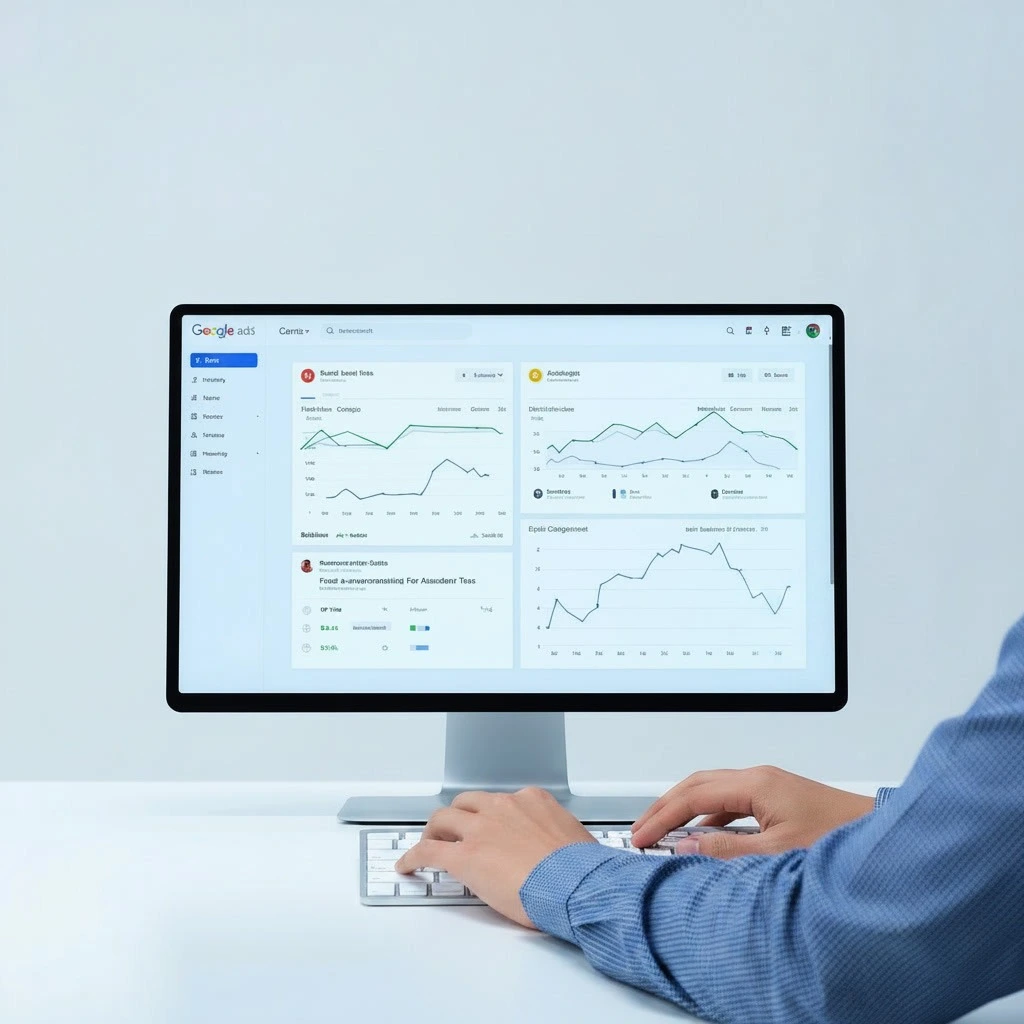
Let me introduce you to the most powerful tool in the Google Ads ecosystem that most beginners don’t even know exists — the Google Ads Agency Account, officially known as the Manager Account, or what Google used to call the MCC (My Client Center).
Think of it as your command center. A master-level account that sits above all individual accounts. From one single login, you can access, monitor, edit, and manage as many Google Ads accounts as you need — simultaneously, cleanly, without logging in and out like a crazy person every time you switch clients.
This is the real, legitimate, scalable way to run multiple Google Ads accounts at the same time without losing your mind or your clients’ trust.
But here’s where people go wrong — they think setting up a Manager Account means they’re done. They’re not even halfway there. Having the tool is one thing. Knowing how to use it without burning budgets or violating policies is a completely different game. At Admoon Agency, this is one of the first structural conversations we have with every new client — because getting the foundation right from day one saves enormous pain later.
Ultimately, this is why hiring a dedicated Google Ads agency is often the smartest move for scaling businesses. Beyond just clicking buttons or managing budgets, a professional team brings the operational maturity to build a sustainable, policy-compliant, and high-performance infrastructure that you simply can’t achieve with a DIY approach.
The Conditions You MUST Understand
1. You Cannot Run Multiple Accounts for the Same Business
This is the number one mistake. Google’s policy is crystal clear — you cannot create multiple accounts to advertise the same business, the same website, or the same products. Google considers this gaming the auction system. Two accounts bidding on the same keywords pointing to the same landing page artificially inflate the auction — and Google’s systems are far better at detecting this than most advertisers realize.
When Google identifies shared websites, phone numbers, billing information, or IP patterns across accounts — both get flagged. And that flag rarely ends with a warning. It ends with a suspension that can take months to appeal, if it’s even reversible.
2. Each Account Needs Its Own Unique Identity
Every individual account underneath your Google Ads Agency Account needs to function as a fully independent entity. Separate billing, separate business names, separate URLs with no cross-redirects, and separate conversion tracking configured independently. Google’s systems constantly scan for patterns suggesting accounts are more connected than they should be — so every detail matters.
3. Billing Structure Decide This Early
Inside a Google Ads Agency Account, you have two paths. Either each client manages their own billing directly, keeping spend transparent and liability clean — or your agency uses consolidated billing, paying Google across all accounts and invoicing clients separately, which also unlocks better payment terms at higher spend thresholds. Neither is universally better. But decide deliberately before you start.
How to Set Up Properly
Step 1: Use a Google account never connected to any existing ads account. Starting clean matters.
Step 2: Create your Manager Account, set your time zone and currency carefully — these cannot be changed later and affect reporting across every account you manage.
Step 3: Link existing client accounts via invitation, or create new ones directly inside the MCC. Clients accept the request — no credential sharing needed.
Step 4: Assign access roles — Admin, Standard, Read-Only — based on actual responsibility. Not everyone needs access to everything.
This is exactly the setup process the Admoon Google Ads team walks through with every agency onboarding — because a clean structure from the start is what separates agencies that scale from agencies that scramble.

The Mistakes That Will Cost You Everything
Copying campaigns between accounts — same ad copy, same keywords, same destination URL across multiple accounts pointing to one business. Google will connect the dots. It looks like circumvention because it is.
Shared payment methods across accounts advertising identical businesses. Google treats this as direct evidence of account relationships — and if those accounts shouldn’t be related, you have a serious problem.
Blurring ownership with clients. You are the manager. Not the owner. The moment that line gets crossed, you’re one difficult conversation away from losing access to accounts you’ve spent months building. If you want your agency structure properly audited, Admoon’s performance marketing services cover exactly this.
The Bottom Line
Can you run multiple Google Ads accounts at the same time? Yes. But only when you do it the right way, with the right structure, and with full respect for Google’s rules.
The Google Ads Agency Account is not a loophole. It’s Google’s own professionally designed solution for this exact need. Build it right, protect it carefully, and it becomes one of the most powerful assets your agency owns.
Build it right. Protect it carefully. And grow without limits.